Download on Google Play
-
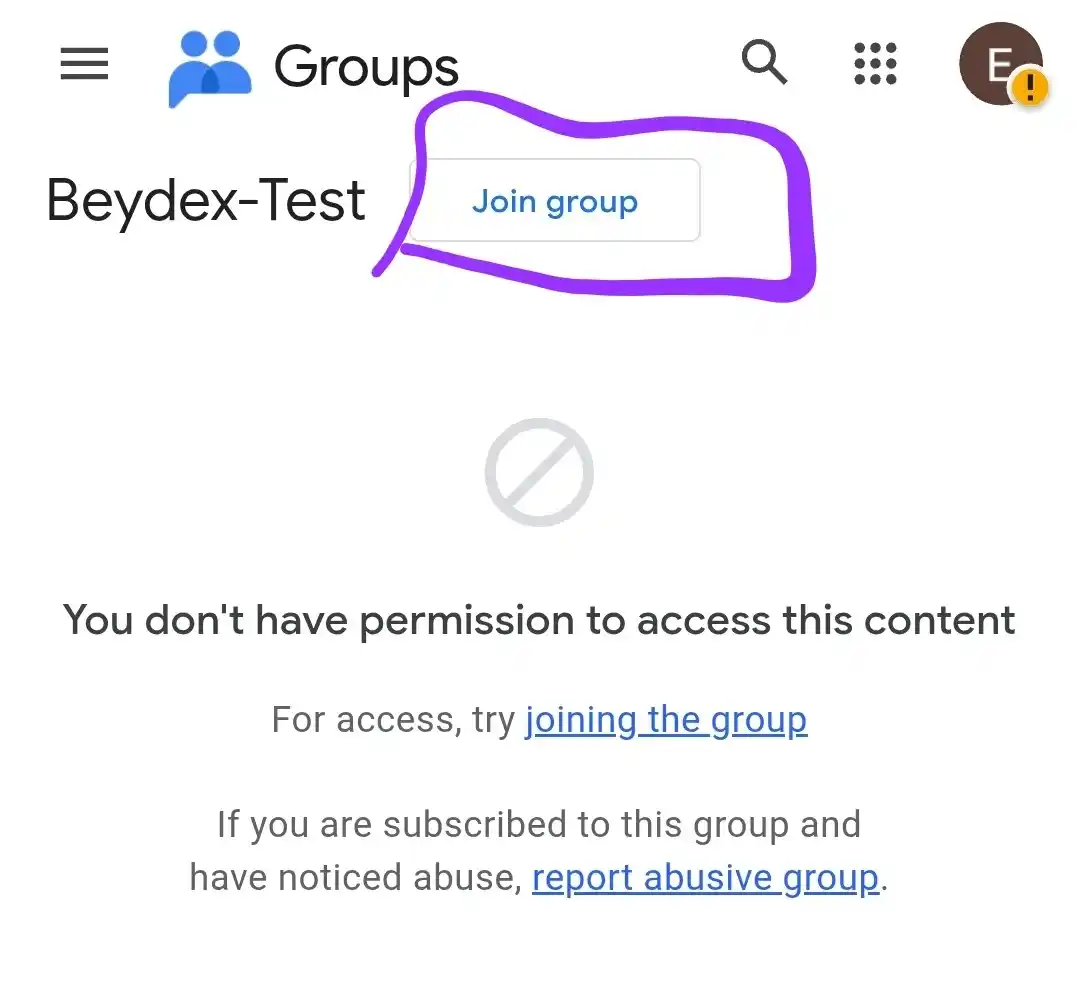
Join the google group at https://groups.google.com/g/beydex-test
-
Follow the instructions to export your data from the current app at https://beydex.org/migrating
-
After you have done so, visit this link: https://play.google.com/apps/testing/com.beydex.app
-
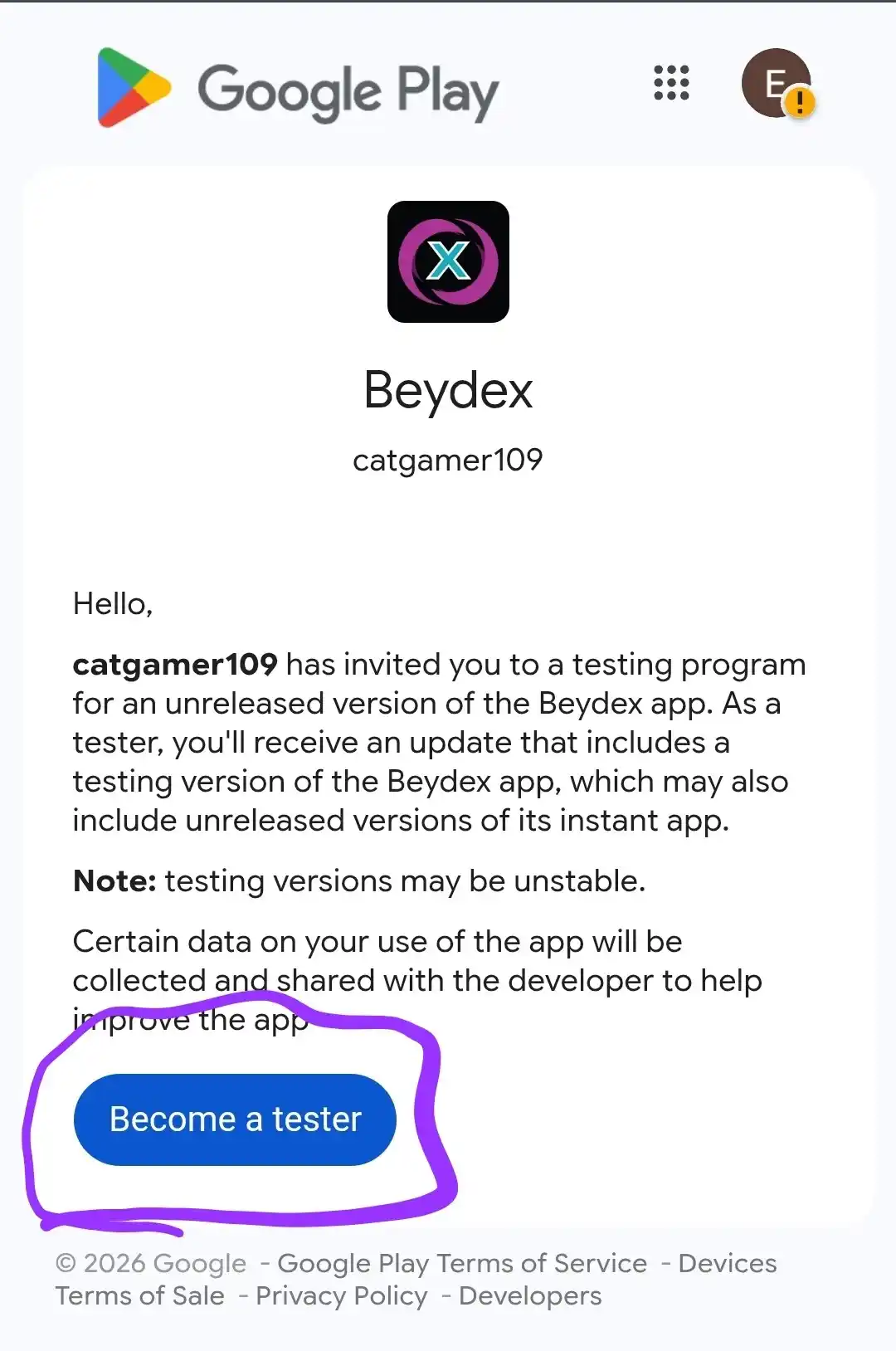
Click "Become a Tester"
-
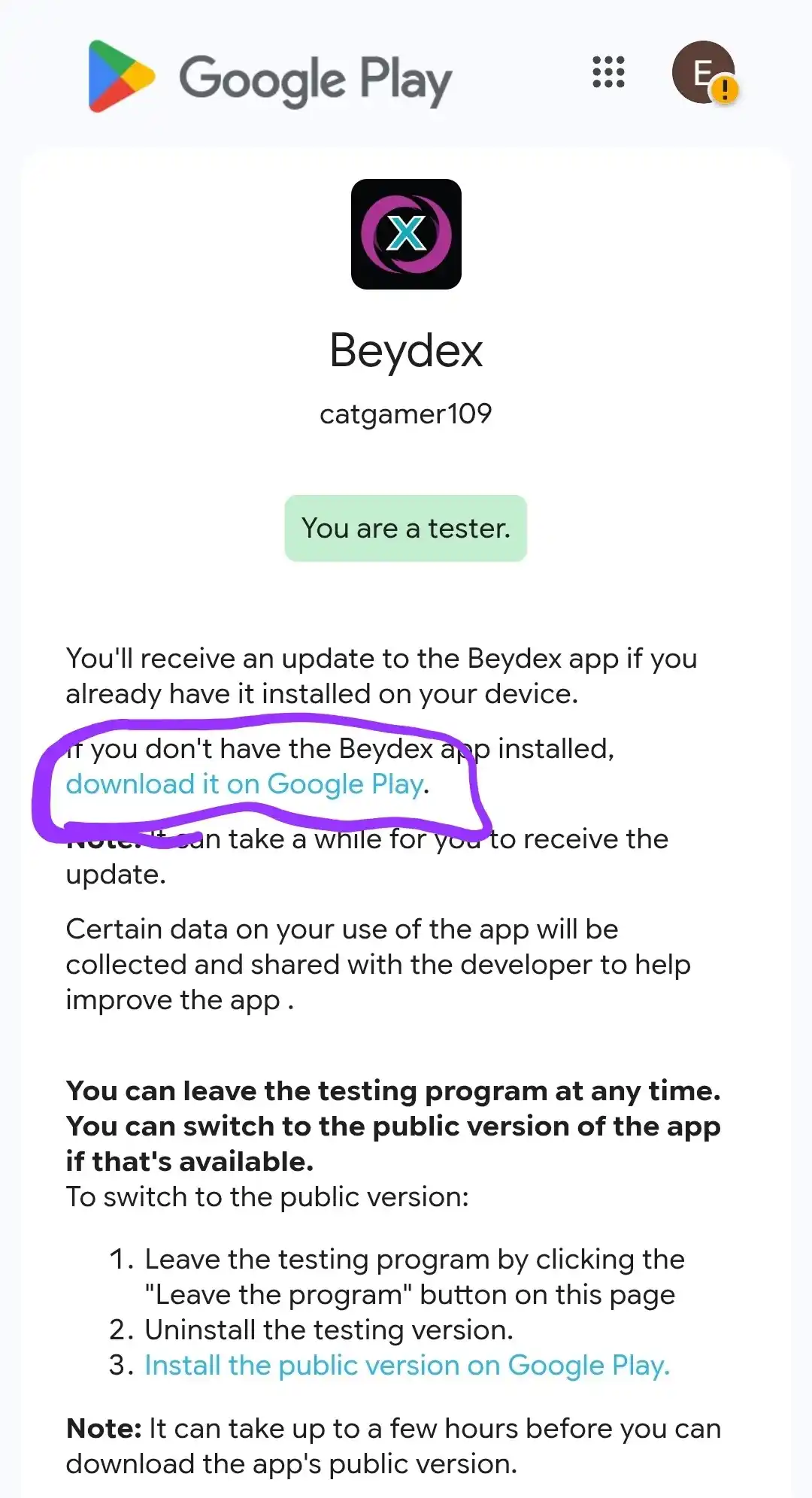
Click "download on Google Play" or click here
-
IMPORTANT: If it's not coming up after clicking the link, make sure that you are on the correct
account in google play that you clicked "Become a Tester" on
-
If you already had the app installed before, the page will tell you that "You downloaded this app
from somewhere else", click the uninstall button (assuming you have migrated your data) and then
install it from that page.
-
Import your data after clicking through the onboarding popup in the newly installed app
(Instructions also on the same page as the exporting).